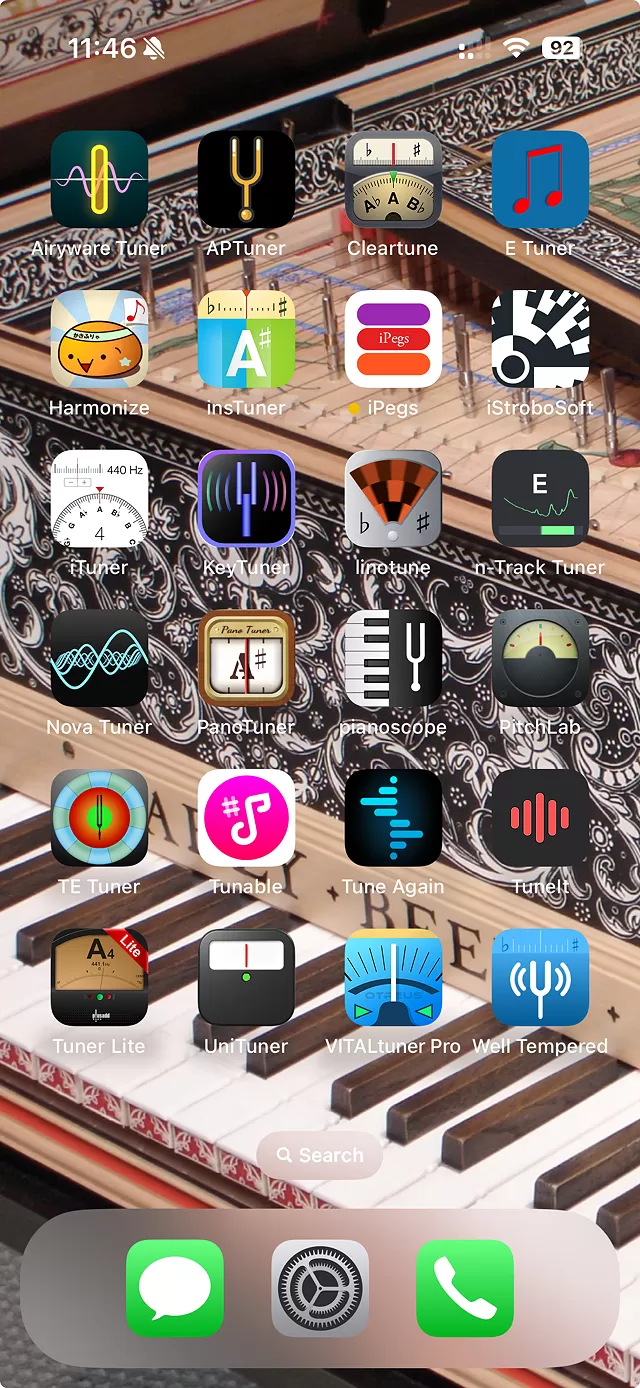
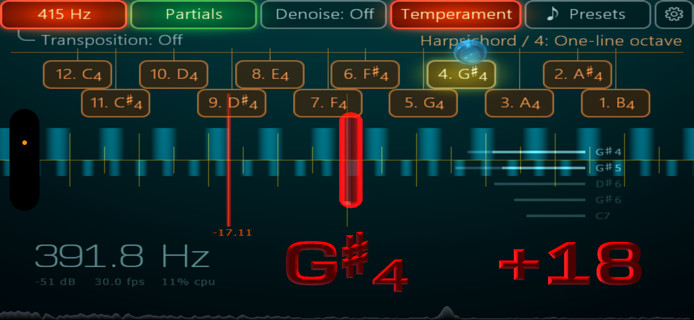
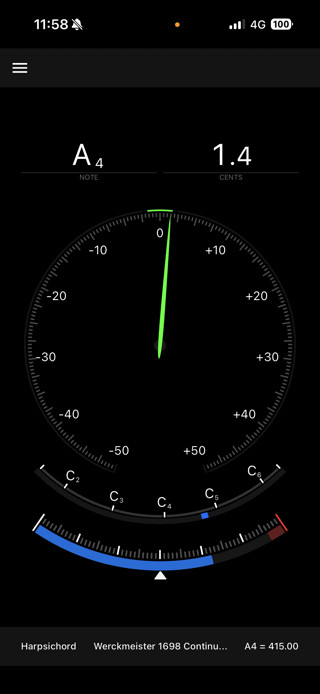
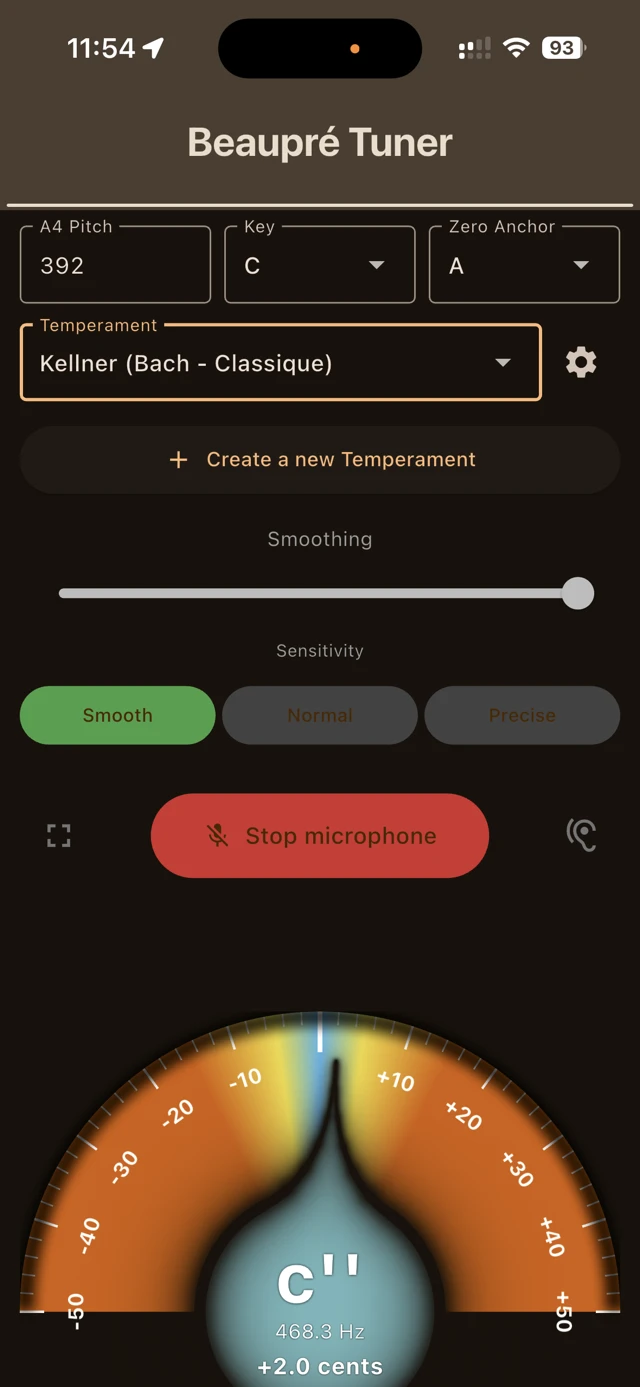
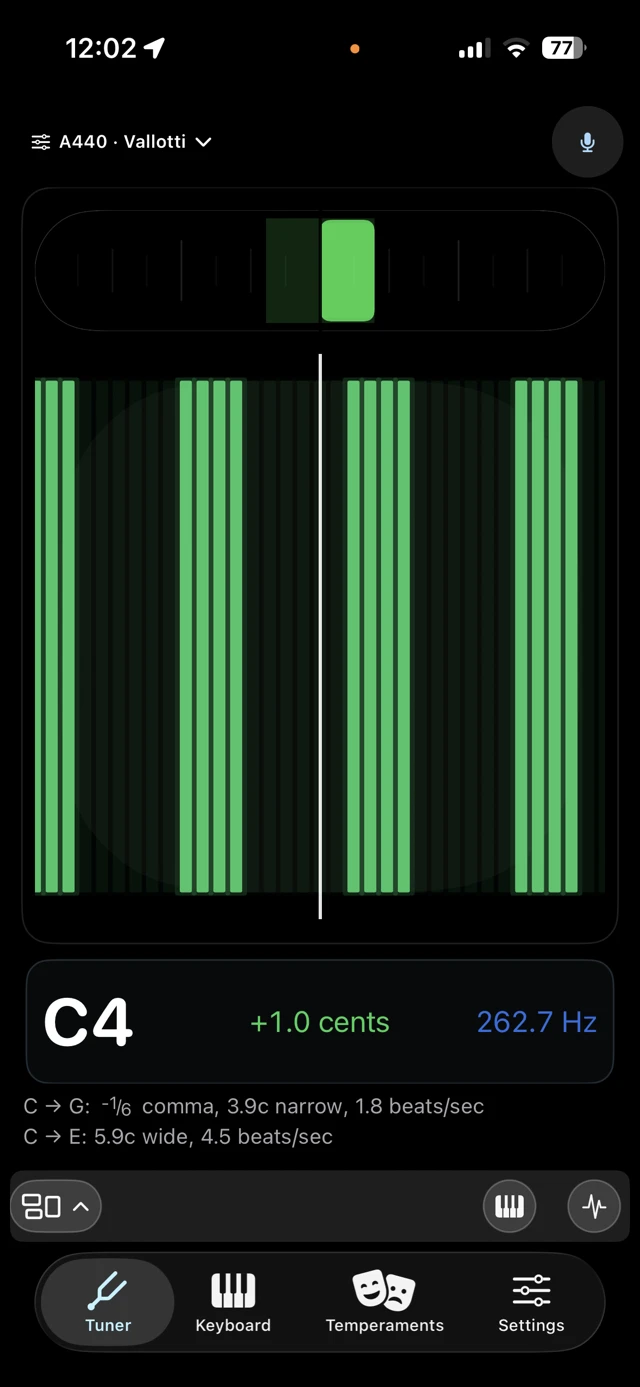
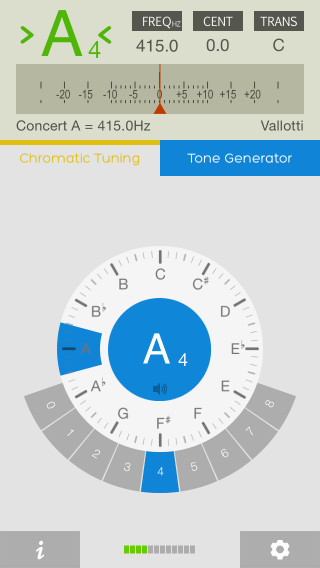
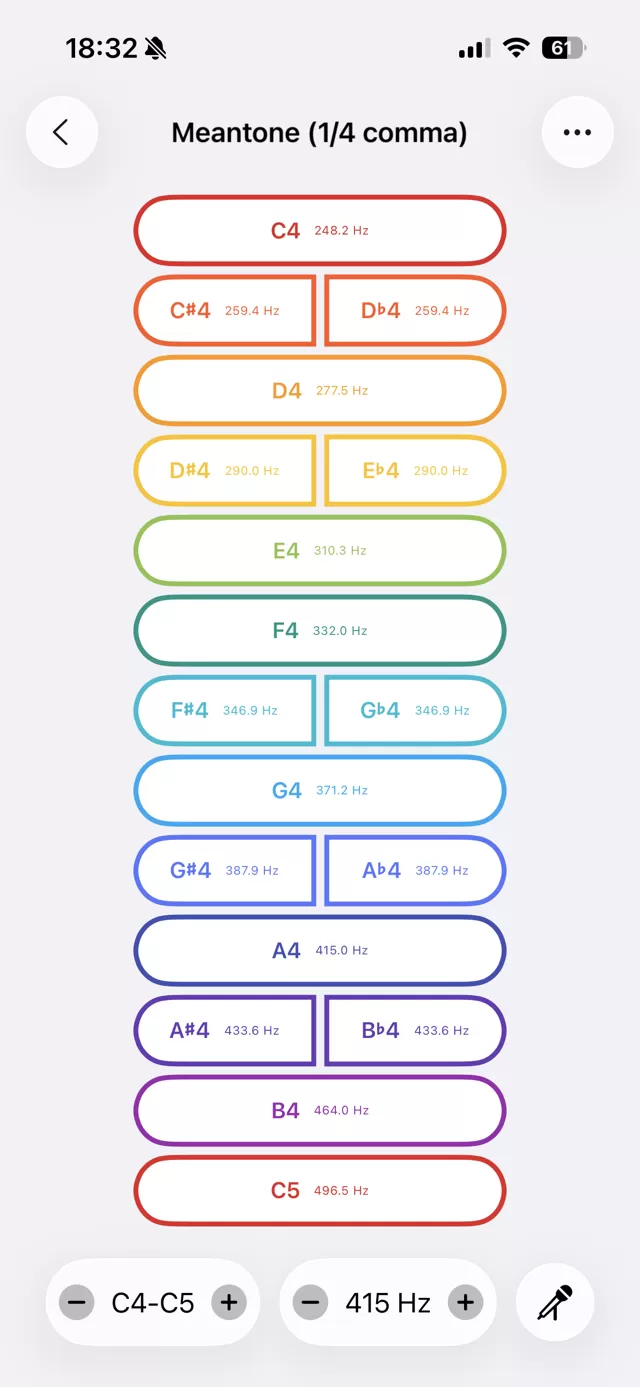
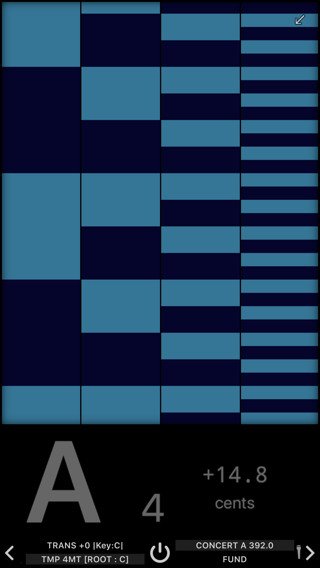
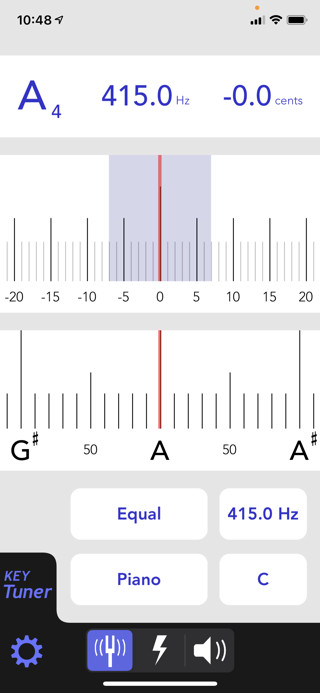
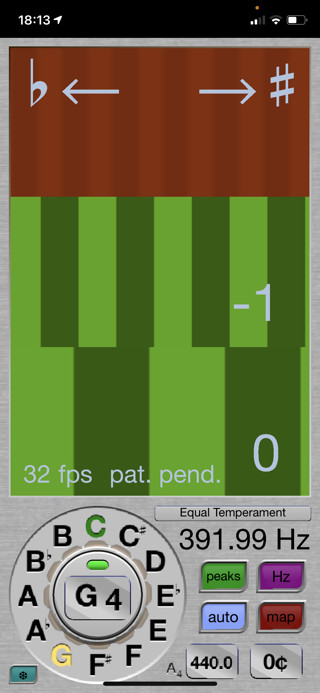
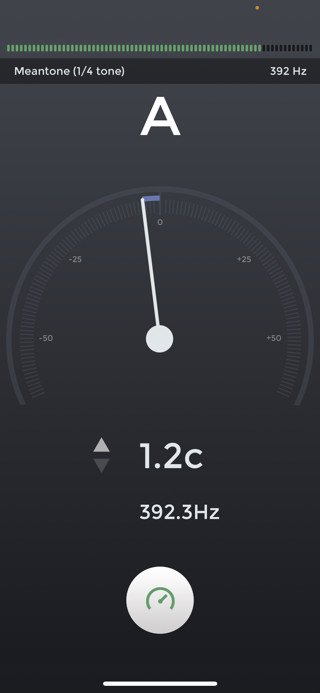
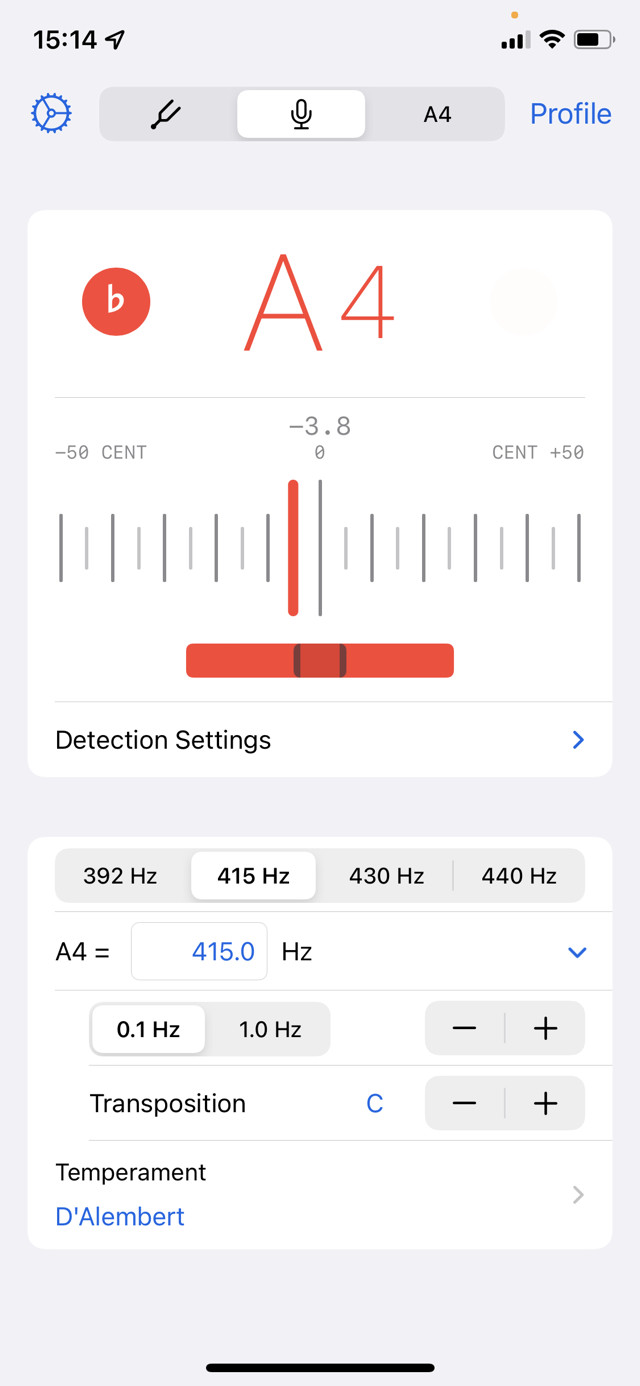
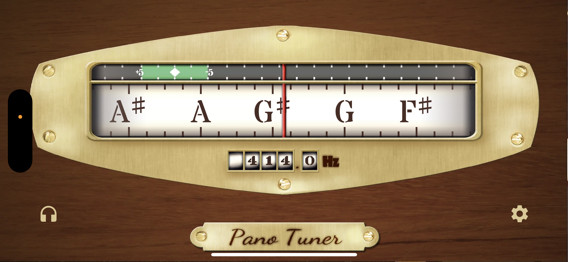
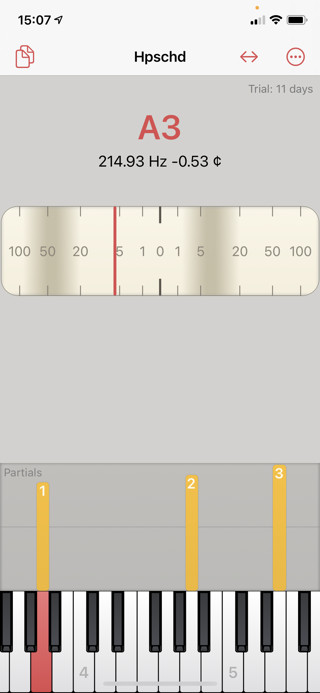
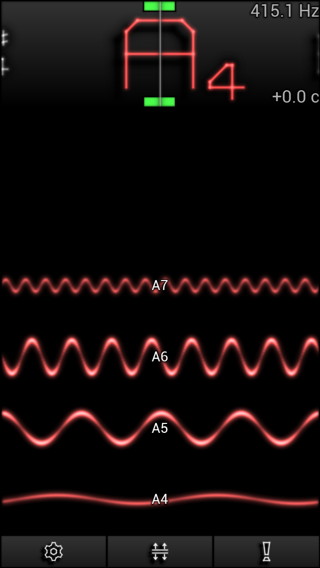
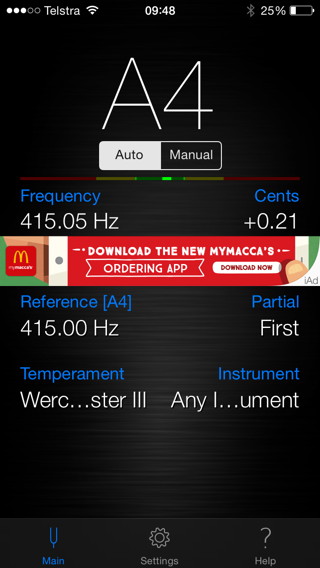
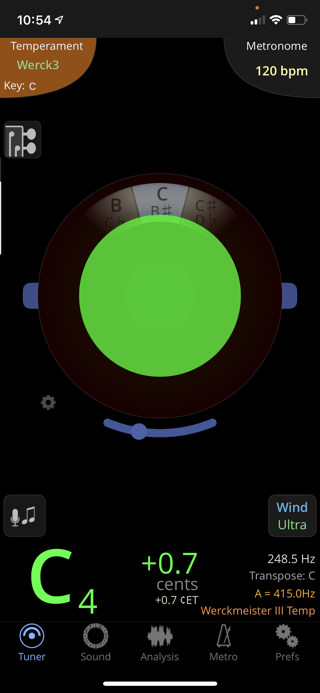
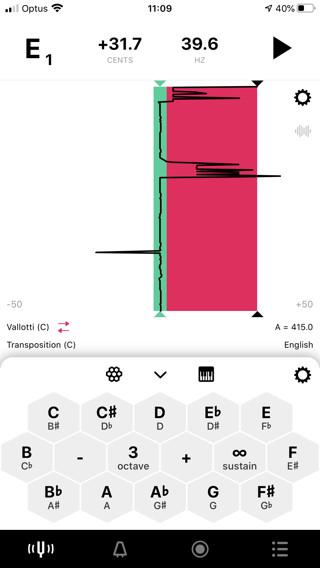
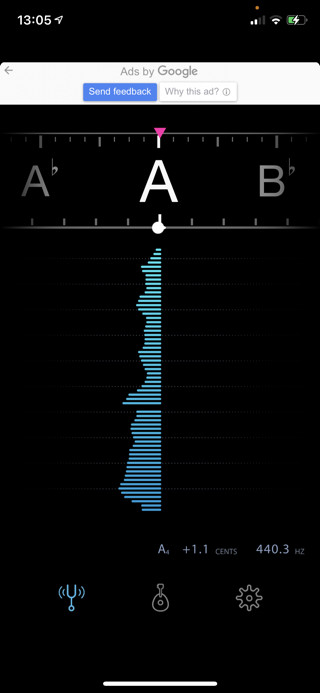
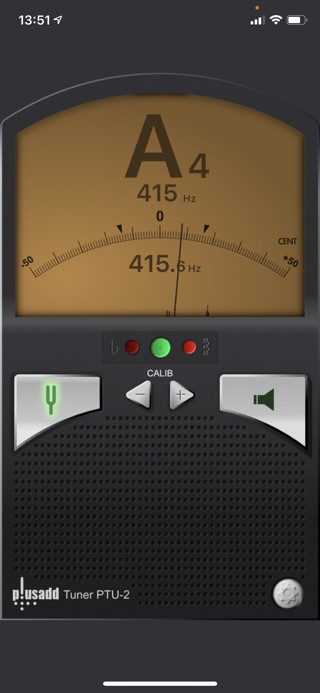
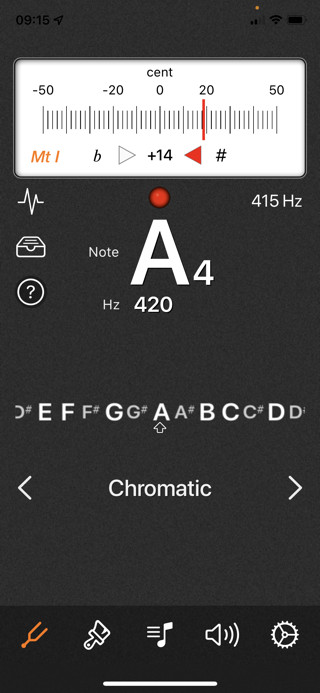
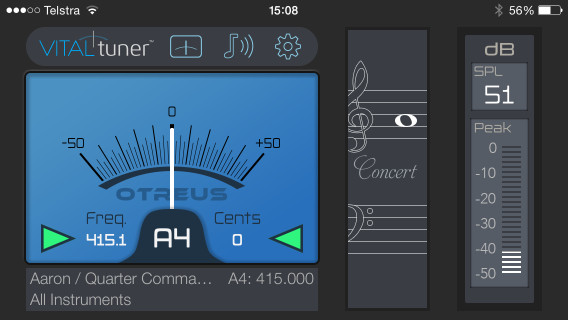
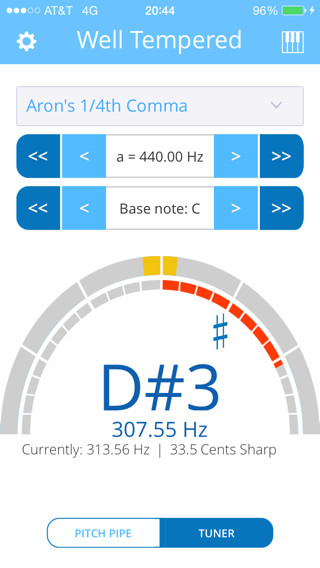
At one time, the only available electronic assistance to set a temperament was a standalone machine like the popular models made by Korg. (We have two excellent secondhand MT-1200 Multi Temperament Tuners available for those who so loved that machine.) Now it makes sense to use the smart phone that almost everyone carries in their pocket, but there’s a confusing plethora of apps to choose from—some free, some paid. All of the tuning apps shown on this frequently-updated page run on either iPhone or iPad. Some run on MacOS. The prices mentioned for each iOS app below are in USD and were current 1 October 2026.
Some of the apps discussed here have Android versions which can be found on GooglePlay or Amazon. Please note the Android versions may not offer all the features of the iOS apps evaluated here, and are likely to have different pricing.
The Apple App Store has many tuning apps, but most are for guitars or other simple stringed instruments, so only offer Equal Temperament. The price paid for any app has no bearing on its quality or suitability for tuning early keyboards: Many are next to useless, so buyer beware. This page provides the rundown on twenty-two current tuning apps which might be considered appropriate for early keyboards: Airyware Tuner, APTuner, Beaupré Tuner, Cleartune, Fine Tuna, insTuner, iPegs, iStrobeSoft, KeyTuner, linotune, n-Track Tuner, Nova Tuner, Pano Tuner, pianoscope, TonalEnergy Tuner & Metronome, Tunable, Tune Again, Tuner by Piascore, UniTuner, VITALtuner™ and Well Tempered.
Each time iOS is upgraded, certain changes require developers to sometimes substantially rewrite their app code to ensure continued operation. Frustratingly, there can be issues on an iPhone while the app on iPad keeps working fine—even though both devices are using the same version iOS. Some apps like PitchLab, and Sound Tuner have been discontinued but still appear here for those able to continue using them if already installed on earlier devices.
All these discussed apps have a variety of historic temperaments built in, and the better ones enable you to program your own temperament. Just because an app goes beyond Equal Temperament by offering historic temperaments does not mean that it is fit for purpose, as you can judge by the Demerits noted below. (Note that the lists of temperaments—available by following the links to the pop-up window for each app—are exactly named and ordered as they appear in the app: Without detailed external reference provided by most of the app developers, there may be some doubt of the exact derivation or pitch placement of some of the temperaments on many of these apps, and some apps have temperaments which are blatantly incorrect.)
We are now seeing a trend with app developers moving away from the usual one-off purchase model, to weekly, monthly, or yearly licence fees. In my opinion, this is a deplorable practice, and it would have to be a pretty extraordinary app used very frequently on a professional basis to justify the sometimes exorbitant charges.
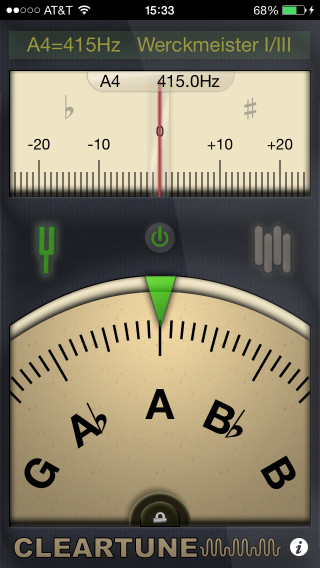
The obsolete iPegs app has been completely rewritten, and made a welcome return in Nov 2025 to the App Store after an abensce of many years. The paid app Cleartune is well known: It has a chromatic note wheel display with the familiar waving needle and can also generate tones. Most of the glitches in the initial (July 2012) release of the insTuner app were rectified in v2, and the developers engaged me to assist with some necessary refinements in an update. It’s very regrettable that PitchLab is no longer available for iOS—although the free Android version can still be found on Amazon—because it was streets ahead of all the others. Three recent and very welcome additions are Beaupré Tuner by Montréal harpsichord maker Benoît Beaupré; Nova Tuner by Thomas Foster, a Boston-based harpsichordist and fortepianist; and Fine Tuna by Jeffrey Grossman, a New York-based harpsichordist and conductor.
As these apps appeared, or I was alerted to them, I tested them using the then-current iOS software. As of Aug 2026, I am using an iPhone 15 Pro running iOS26.6. Please note that with the exception of pianoscope, none of these apps can really be considered sophisticated enough for tuning a modern piano, although APTuner and Well Tempered have three forms of Equal Temperament stretch programmed, and Airyware Tuner and Fine Tuna offer fully-programmable stretch.
App developers are encouraged to contact me to test flight and/or review their offerings here.
Hints for a great tuning using an app…
The same provisos apply to the use of these tuning apps as to the standalone tuning machines.
If your app has the option, change the usual default sine wave squawk to a waveform with more complex harmonic structure like sawtooth.
Music is aural, but if you prefer following a dancing needle with your eyes, look for the option to slow its response speed.
When you have set the temperament in the midrange of the keyboard, turn your device off: You’ll get a much better result tuning up and down in octaves by ear from your temperament octave.
Don’t mindlessly select your desired temperament and hope that it will somehow transfer itself successfully to the keyboard: Understand the temperament’s structure and know what you are trying to accomplish.
Check the tuning directions for many popular temperaments in the Temperaments section of the Technical Library, commencing with the Pythagorean Spiral.
Happy tuning!
Carey’s tuning app feature wish list…
Simple but intelligent display
Status bar remains visible
No gaudy colors
Fully-functioning free trial for paid apps, with ads if absolutely necessary
Use of real typographical sharp (♯) and flat (♭) instead of hash (#) and letter (b)
Reasonable number of popular pre-programmed temperaments (maximum 30 or 40?)
Selected reference pitch for A4 must remain constant when temperaments other than ET selected
If not within the app itself, data available on developer website for source of each temperament and links to further information
Ability to edit existing temperaments and define your own
Transposition of temperaments
Detectable reference pitch
Automatic or manual note selection
Adjustable A4 (a') calibration in 0.1Hz increments from at least A390 – A470
Selected pitch and temperament remain visible on display when in operation
Wide range tone generator with selectable waveform
Easily-selectable note, and quick ON/OFF of tone
Practical in-app help without typos or grammatical errors—or at least link to help page on developer website
Respect iPhone Mute mode except for intentional tone production
Not drain battery when iPhone put to sleep while app still active
Display truncated by rounded screen corners of iPhone Pro 15 (not obvious on screen shot) & obscured by front camera position
Landscape orientation only
Lurid colors throughout
No in-operation readout of selected temperament
Option to rename displayed notes as 5 sharps, 5 flats, 3 flats/2 sharps, or 7 flats, but this is problematic in a meantone temperament if the display says A♭when the note being tuned is G♯.
In-tune indication in other than ET flips either sharp or flat of ET centrepoint
Constant reminders every 30 seconds after trial period expiration to purchase full licence
Adjustable A4 (a') calibration in 0.01Hz increments from 370–524Hz
Eighty-four selectable temperaments can be duplicated & edited
User-defined temperaments by input of 0.01 cent offsets now available in Standard version
Portrait or landscape orientation
Last update 27 Aug 2026
Expensive in-app purchase essential after free two-week trial to unlock Standard (USD99.99) or unlock Pro (USD699.99), or pay a monthly or annual subscription
App Privacy
Diagnostics data may be collected but not linked to your identity.
Demerits:
Obvious professional piano tuner orientation
Limited calibration range for a'
Each instrument must be defined and inharmonicity read before beginning
Readout shows fixed target frequency for note rather than realtime
Interesting non-linear cents scale in needle display
Status bar hidden in landscape orientation
No tone generation
No permanent on-screen indication of selected pitch & temperament standard
Far too expensive & fiddly to consider for early keyboard use
Obscure temperament list with many commonly-used ones not included
No permanent on-screen indication of selected pitch & temperament standard
Keyboard note names bug when transposed
Confusing note nomenclature: C4♯ instead of C♯4
Lurid color-coding of different pitches for display
Distracting motion in certain display modes
Annoying key click on selection of menu items, even when phone in Mute
App will not sleep
App freezes on incoming call
On large-screen iPhone 7 Plus & later, artifact of split display in oscilloscope mode
Note:
This app went through a period on devices later than iPhone 7 Plus where the microphone could not be accessed, rendering the app unusable. The developer did not respond to requests for an update to properly allow microphone access on those later devices. With the system software update to iOS13, however, users of some devices reported the app again accessed the microphone and worked correctly.
The following devices are known to run PitchLab:
iPad Mini 21st gen iOS 9.3.5
iPad Mini 2nd gen iOS 12.5.7 (but not iPhone 6 iOS 12.5.7)
iPhone 8 iOS 14.1
iPhone SE iOS 15.8.8
Sadly no longer available on the App Store, although the free version for Android devices
still remains for download on Amazon.
Developer may collect usage data and diagnostics but it is not linked to your identity
Demerits:
Screen is too cluttered and busy
Appears temperament data derived from disparate sources
Some temperament data only to nearest whole or 0.5 cent
Some temperaments including Meantone 1/3 Comma and Vallotti clearly very incorrect
Only way to use this multipurpose app for reliable tuning would be to reprogram many of the temperament offsets from C, ensure “Maintain A frequency when using alternate temperaments” option is selected, and C is selected for Key Center
Pitch Pipe (three different wave forms) or Tuner function
Two hundred and sixty-eight selectable temperaments, sorted alphabetically with search function
Temperaments can be marked “Favorite” or “Dislike” to order in list at top or bottom
Temperaments can be transposed to any note
Adjustable A4 (a') calibration in 0.01Hz increments
Frequency readout to 0.01Hz & ±0.1 cents
Polyphonic keyboard layout (landscape orientation only) to select tones when pressed
Tuner sensitivity adjustable by slider
Last update 24 Nov 2023
Paid app (USD4.99)
Developer does not collect any data from this app
Demerits:
Portrait orientation only
Still too many temperaments leading to confusion in naming and needless duplication
Source of many temperaments doubtful & errors likely
Many temperament names truncated on selection menu
No possibility of user-defined temperaments
After detecting note, display freezes until new note heard
In iPhones with face recognition, display sleeps in tuner mode rendering it useless unless you are looking directly at it [Workaround which will affect all apps: Change Auto-Lock time to “Never” in Settings → Display & Brightness]
Note:
The feedback problem which rendered v2.1 useless with iOS16, has been eliminated with a long-awaited update providing a new audio-engine